Case Study

Designing a more intentional gifting experience through guided personalization.

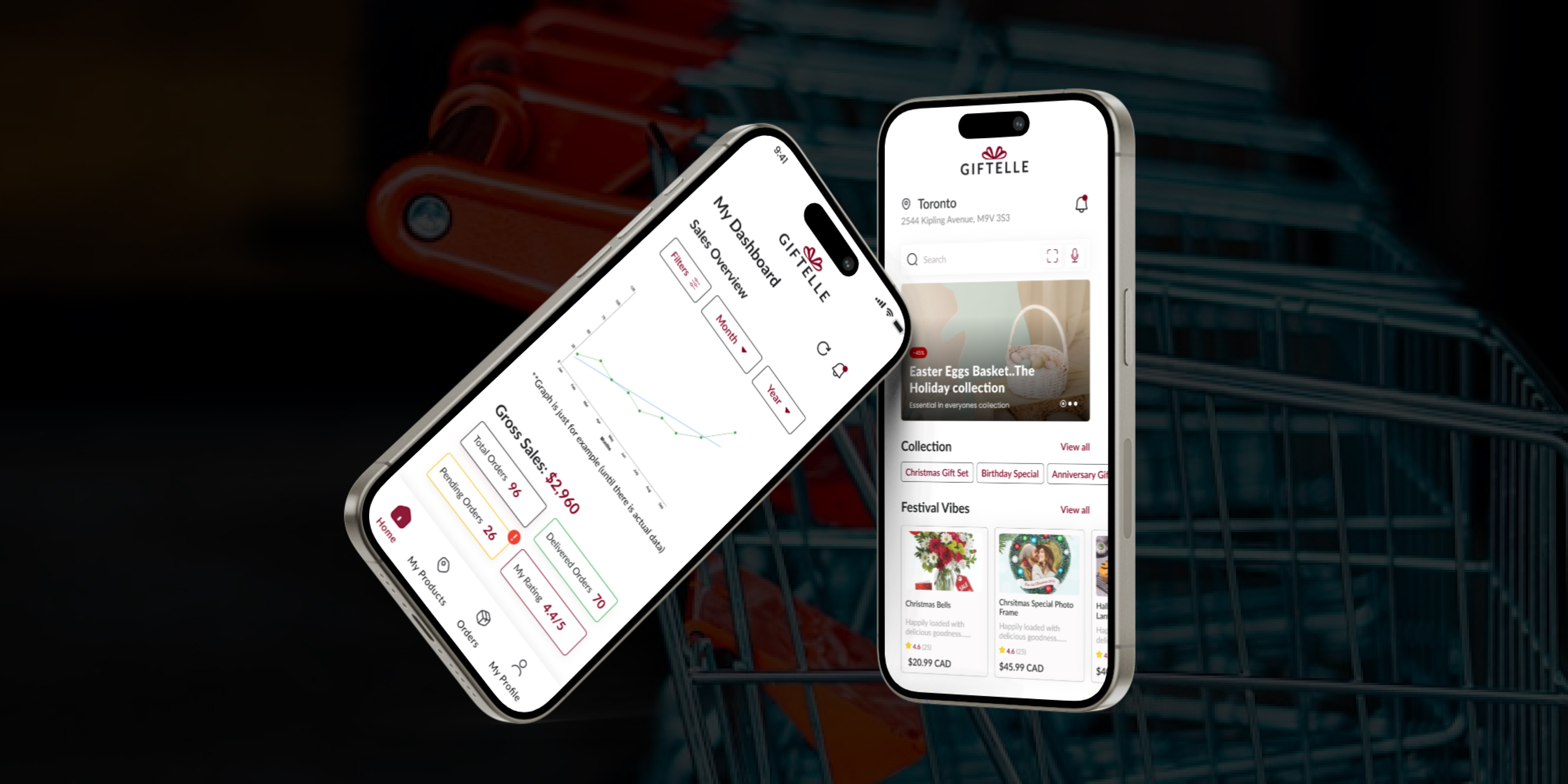
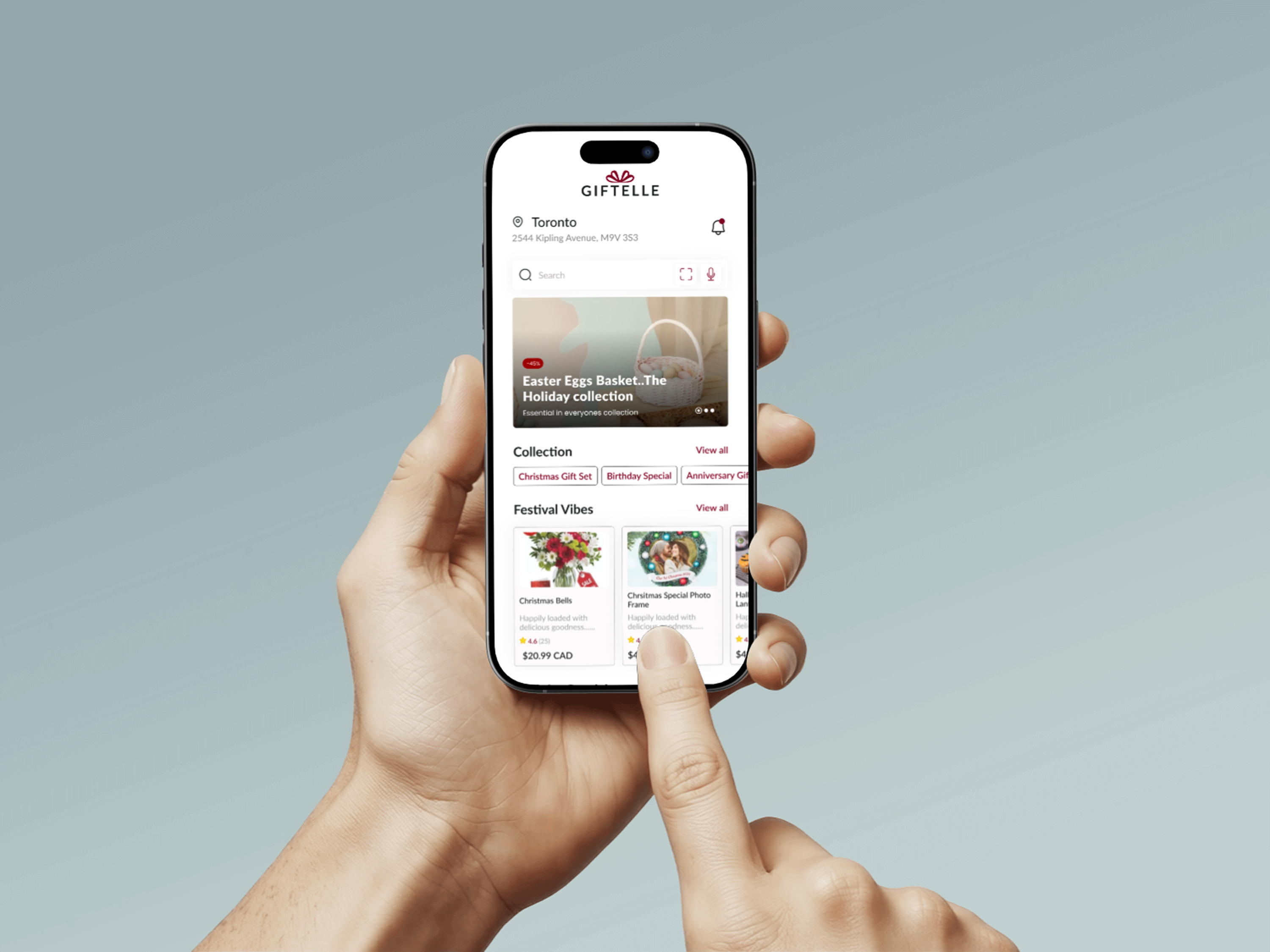
Giftelle is a personalized gifting platform designed to reduce decision fatigue, simplify discovery, and help users choose thoughtful gifts with more confidence.

UX StrategyUI DesignProduct DesignVisual BrandingSeptember 2024Concept Product
Designing a more intentional gifting experience through guided personalization.

Reduced cognitive overload by replacing open-ended browsing with guided discovery.

Improved user confidence through more relevant and personalized gift recommendations.

Created a calmer, more premium interface that supported faster decision-making.

Services

UX Strategy · UI Design · Product Design · Visual Branding

Date

September 2024

Agency

Concept Product

Client

Giftelle

Audience

Who this experience was built for

Busy professionals, partners, friends, and family members who want to give meaningful gifts but often feel overwhelmed by too many choices, generic recommendations, and time pressure.

Role

My contribution

I led the UX and UI design process from research through final interface design. My work included research synthesis, journey mapping, wireframing, interaction design, visual system development, prototyping, usability testing, and developer handoff.

Challenge

The problem behind the experience

Online gifting often feels overwhelming rather than thoughtful. Users are asked to browse large product catalogs, compare endless options, and make emotional purchase decisions under time pressure. The result is low confidence, delayed decisions, and a frustrating discovery experience.

Context

Giftelle

This project centered on translating user needs and product goals into a cleaner, more thoughtful digital experience.

Giftelle

Goals

Aligning business, design, and technical outcomes

Business

Increase engagement and purchase intent by replacing generic browsing with a more curated and personalized gifting journey.

Design

Create a calm, premium, and emotionally resonant experience that minimizes friction and helps users move from uncertainty to confident decision-making.

Technical

Design a scalable structure for quiz-based personalization, responsive browsing, and analytics-ready user flows across devices.

Tech Stack

Figma · React · Tailwind CSS · Node.js · Express · MongoDB · Render · Netlify

Accessibility

  • Maintained WCAG AA color contrast across primary interface elements and text.
  • Designed keyboard-accessible interactions for key browsing and quiz flows.
  • Used descriptive labels and alt text for form inputs, imagery, and product content.
  • Applied consistent hierarchy, spacing, and readable typography to improve scanability.

Process

From discovery to a refined final experience

A structured process focused on clarifying user needs, reducing friction, and translating strategic thinking into polished interface decisions.

Step 1

Discovery & Research

I began by exploring why online gifting often feels stressful rather than enjoyable. Through 50+ surveys and 10 qualitative interviews, I identified recurring patterns: users felt overwhelmed by too many options, uncertain whether their choice felt meaningful, and frustrated by generic recommendations. I translated these findings into two core personas — the Thoughtful Planner and the Last-Minute Giver — to guide product decisions.
Step 2

Problem Framing & Journey Design

I mapped the gifting journey to identify moments of hesitation, cognitive overload, and emotional drop-off. Rather than simply improving search, I reframed the experience around guided personalization. This led to a product direction centered on a gift-finding quiz, simplified categorization, and a browsing flow that emphasized relevance over quantity.

Step 3

Wireframing & Interaction Design

I created low-fidelity wireframes to test how users would move from intent to discovery to selection. The focus was on reducing friction, keeping the experience emotionally light, and presenting fewer but more meaningful choices. Early layout exploration helped validate hierarchy, CTA placement, and the balance between inspiration and efficiency.

Step 4

Visual System & Prototyping

Inspired by premium direct-to-consumer brands, I designed a visual system using soft neutrals, elegant typography, and generous spacing to reduce cognitive load. I prototyped key flows in Figma and tested them with users. Feedback showed that users wanted the quiz to feel faster and more focused, so I refined copy, simplified decision points, and improved emphasis on personalized recommendations.

Step 5

Handoff, Collaboration & Validation

I documented reusable UI patterns, component rules, and interaction states to support development. I also collaborated on responsive behavior, accessibility, and edge-case handling for quiz logic and browsing flows. To support launch planning, I identified analytics touchpoints such as quiz completion, recommendation engagement, and product click-through behavior.

Handoff, Collaboration & Validation

Outcome

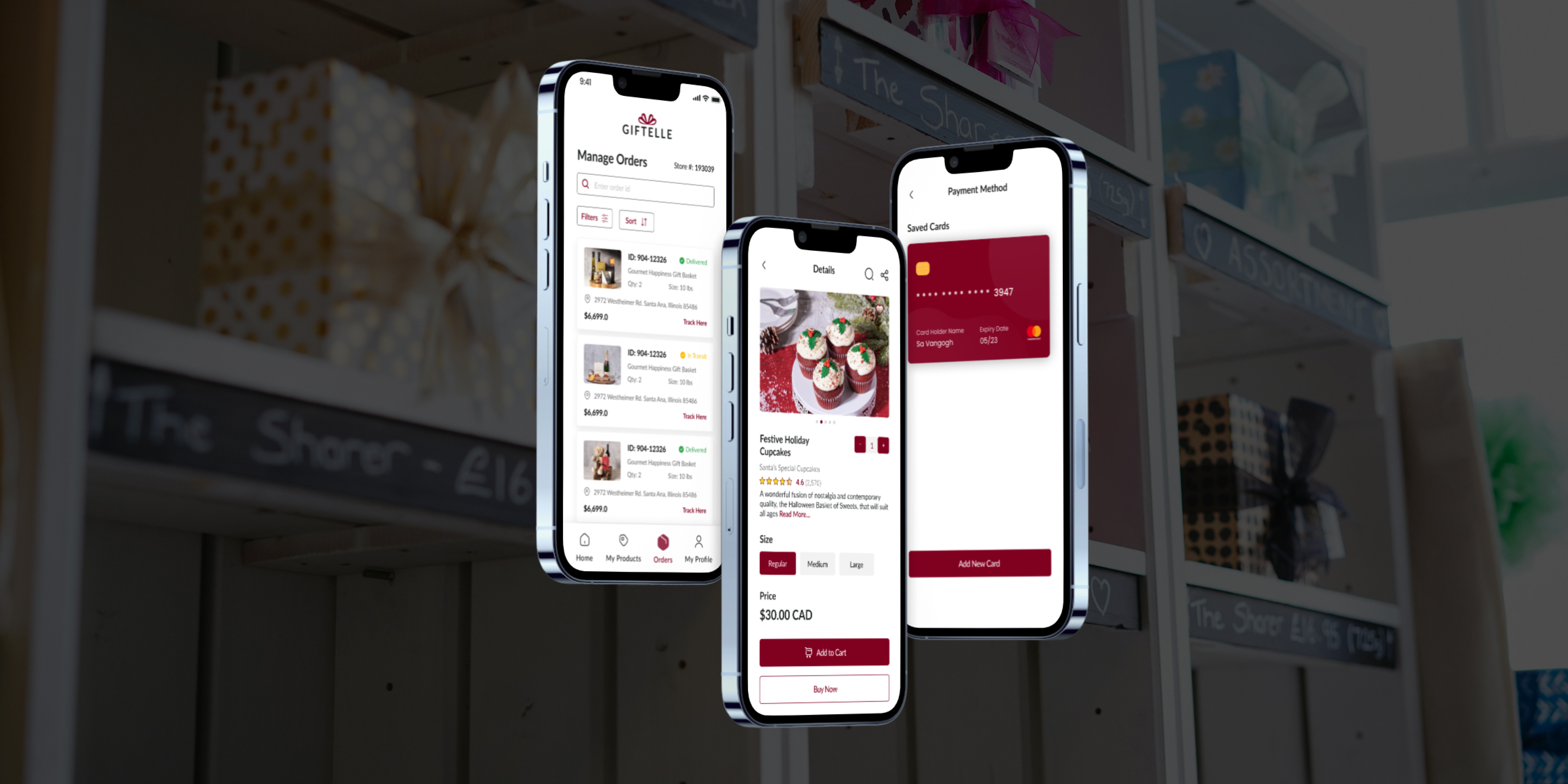
Final interface and visual direction

Final result 1
Final result 2
Final result 3

Reflection

What this project reinforced

  • Guided personalization performed better than open-ended browsing by helping users make faster, more confident decisions.
  • A calm visual system and stronger hierarchy reduced cognitive load and made the experience feel more premium and trustworthy.
  • Early prototyping helped refine the quiz flow before development, improving usability while reducing rework.
  • This project reinforced the importance of designing not only for usability, but also for emotional confidence in decision-making.

Let’s Connect

Let’s build something thoughtful, scalable, and visually sharp.

I’m open to product design, UI/UX, and frontend opportunities — from collaborative team roles to meaningful freelance projects.

Email Directly

Based in

Toronto, ON

Open to

Full-time · Contract · Freelance